Import Configuration
The Import option allows users to import the details.
Perform the following steps to import:
Navigate to Settings ➜ All Settings ➜ Property Import/Export (under General).
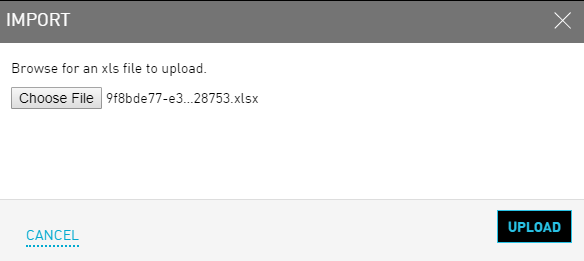
Click Import. The Import dialog box appears.
Click Browse.
Select the .xls file to upload.
Click Upload after selection. The details in the excel sheet get mapped to the Agilysys Stay application.
Users can check the log details to see if the Import was successful or has failed.
Click on Log Details to view the detailed description of the reason for an error during Import.
